
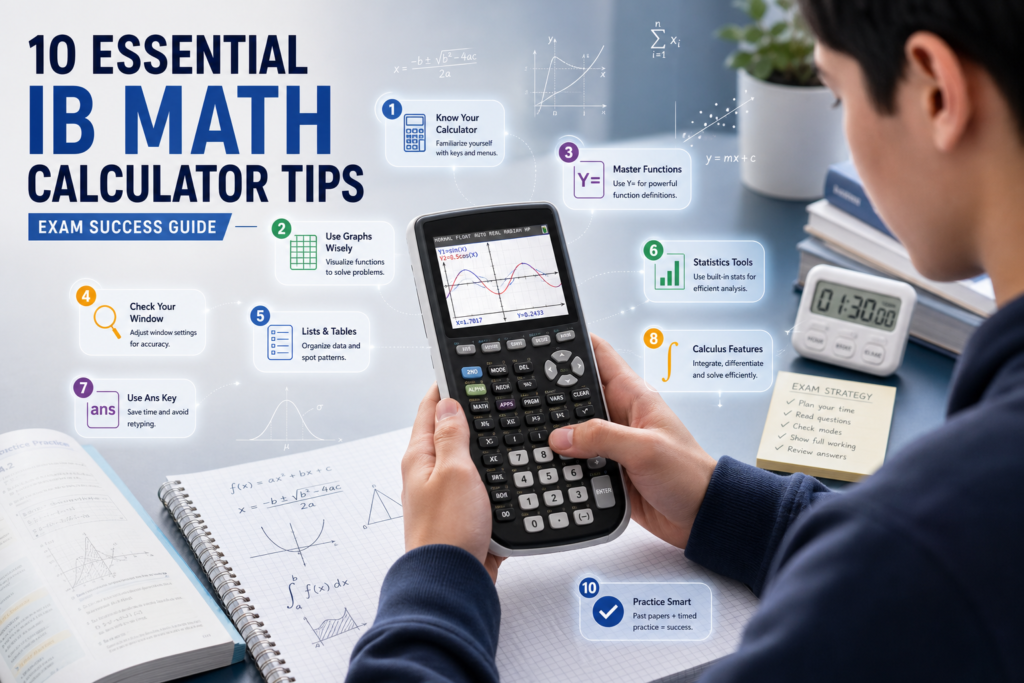
These 10 IB Math calculator tips will transform your GDC from an expensive paperweight into the most powerful tool in your exam arsenal — saving you time, catching errors, and earning you marks you’d otherwise miss.
📋 In This Guide
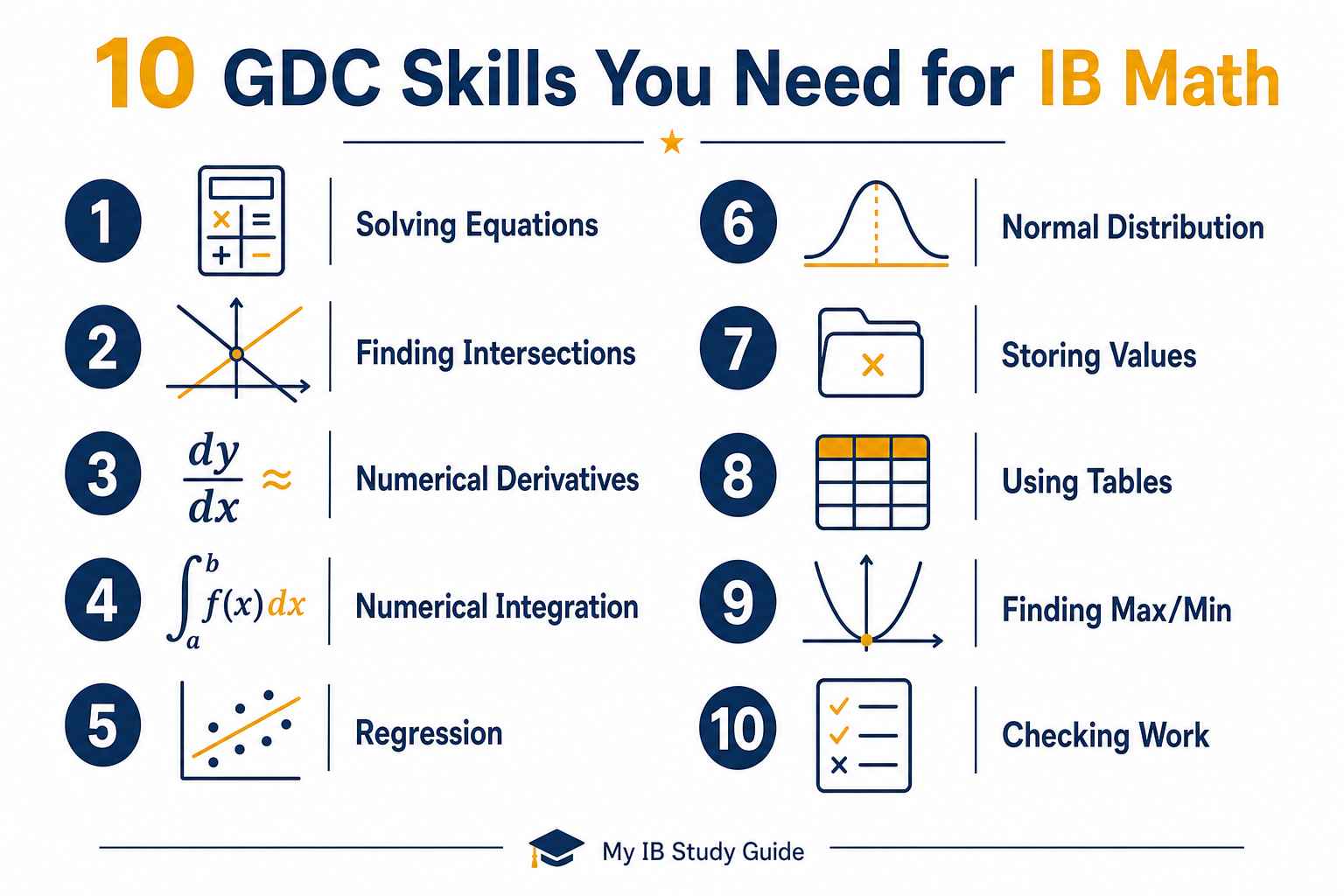
- Skill 1 — Solving Equations Graphically
- Skill 2 — Finding Intersections
- Skill 3 — Numerical Derivatives
- Skill 4 — Numerical Integration
- Skill 5 — Regression and Correlation
- Skill 6 — Normal Distribution
- Skill 7 — Storing Values
- Skill 8 — Using Tables
- Skill 9 — Finding Max/Min
- Skill 10 — Checking Algebraic Work
- Key Takeaways
- Frequently Asked Questions
Your graphing display calculator (GDC) is one of the most underused resources in IB Math. Whether you’re using a TI-84, TI-Nspire, or Casio fx-CG50, your calculator can do far more than basic arithmetic — and the IB expects you to use it. Questions on Paper 2 (and Paper 3 for HL) are literally designed with GDC use in mind.
Yet many students only scratch the surface. They graph the occasional function and maybe solve an equation, but they miss dozens of powerful features that save time and earn marks. These IB math calculator tips cover the ten essential skills every IB Math student — AA or AI, SL or HL — should have locked in before exam day.
If you’re still building your overall exam approach, pair these IB math GDC skills with our guide on IB Math Paper 1 vs Paper 2: Different Strategies for Each to make sure you’re preparing for both papers effectively.
Skill 1 — Solving Equations Graphically
This is the single most versatile GDC skill you can learn. Instead of wrestling with a complicated equation algebraically, graph both sides as separate functions and find where they meet the x-axis or each other.
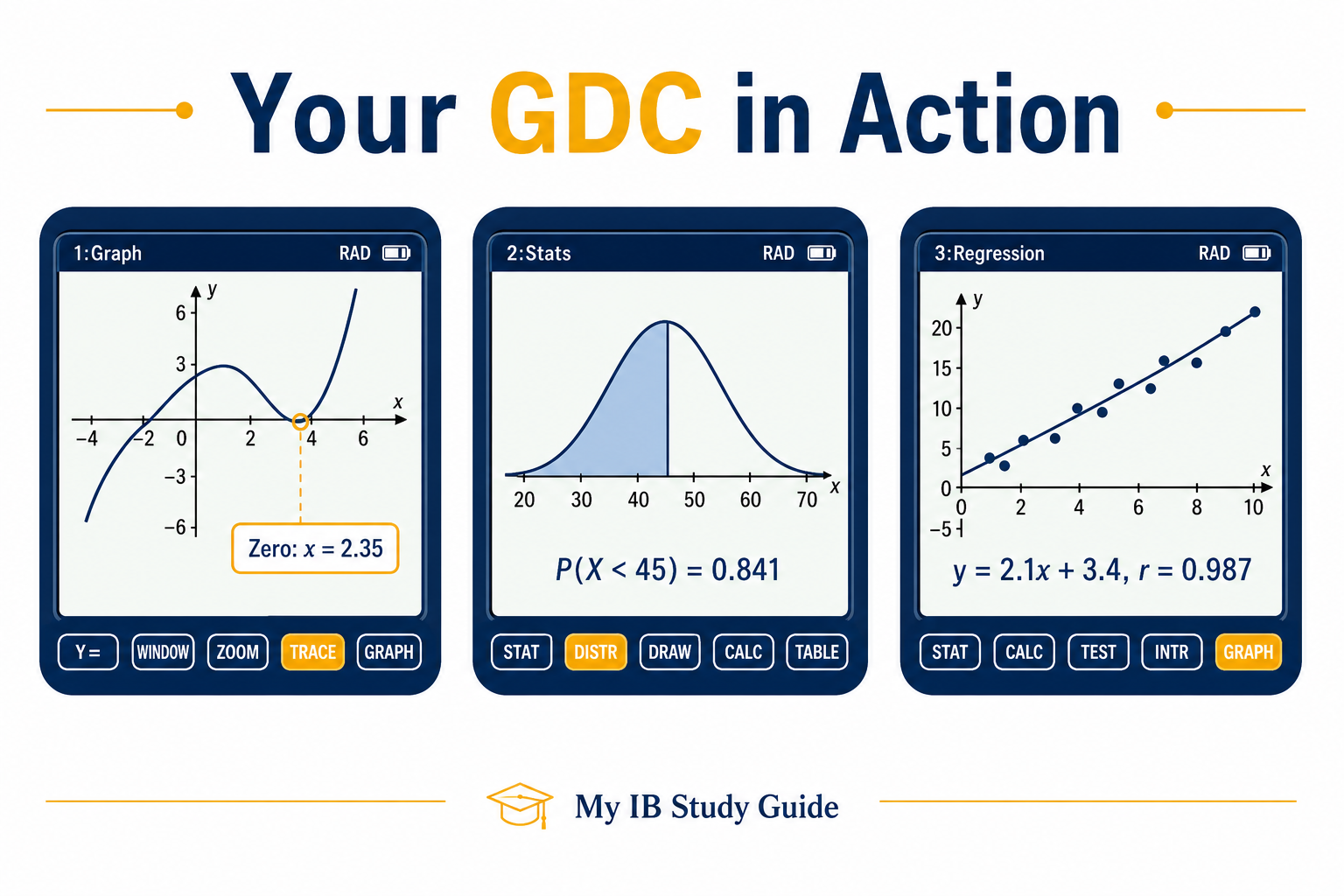
For example, to solve 2x³ − 5x + 1 = 0, enter y = 2x³ − 5x + 1 and use the “zero” or “root” function to find where the graph crosses the x-axis. Your GDC will give you each solution to full precision.
💡 Pro Tip
Always adjust your viewing window before searching for roots. If the default window cuts off part of the graph, you might miss a solution entirely. Zoom out first, identify how many roots exist, then zoom in for accuracy.
Skill 2 — Finding Intersections
Many IB problems ask you to find where two functions meet — for example, where a linear model crosses an exponential one. Instead of solving algebraically (which can be impossible for some function pairs), graph both functions and use the “intersection” feature.
On a TI-84, this is 2nd → Calc → Intersect. On a Casio, use G-Solv → ISCT. Both will give you the exact coordinates of the intersection point.
⚠️ Watch Out
If your functions intersect multiple times, your GDC will only find one intersection at a time. Move your cursor near each intersection and repeat the process. Always check the graph visually to confirm you’ve found all points.
Skill 3 — Numerical Derivatives
Your GDC can calculate the derivative of a function at any specific point. This is incredibly useful on Paper 2 when you need the gradient of a curve at a particular x-value — especially when the function is too complex to differentiate neatly by hand.
On TI-84: use Math → nDeriv( and enter the function, variable, and point. On Casio: graph the function and use G-Solv → dy/dx, then navigate to the point you need.
📌 Important
Numerical derivatives give you the value at a point, not the general derivative expression. If the question asks you to “find f'(x)”, you still need to differentiate symbolically. Use the GDC to check your symbolic answer by comparing values.
Skill 4 — Numerical Integration
Need to find the area under a curve between two bounds? Your GDC handles definite integrals instantly. This is essential for area-between-curves problems and probability questions involving continuous distributions.
On TI-84: Math → fnInt( with your function, variable, lower bound, and upper bound. On Casio: graph the function and use G-Solv → ∫dx, then set your limits. The GDC will shade the region and give you the numerical answer.
Remember to write down the integral notation in your answer booklet along with the bounds and the result. The examiner needs to see what you calculated, not just the number.
Skill 5 — Regression and Correlation
Statistics questions on Paper 2 often provide a data set and ask you to find the equation of a regression line or the correlation coefficient. Your GDC does this in seconds — if you know where to find it.
Enter your data into two lists, then run the appropriate regression (linear, quadratic, exponential, or power). The GDC will output the equation and, for linear regression, the values of a, b, and r (the correlation coefficient).
💡 Pro Tip
On a TI-84, make sure “Diagnostics” is turned ON (found in the Catalog) — otherwise r and r² won’t display. This catches many students off guard during exams. Check this setting before every exam.
Skill 6 — Normal Distribution
Normal distribution problems appear frequently in AA and AI courses. Your GDC can calculate both forward probabilities (given x, find the probability) and inverse probabilities (given a probability, find x).
On TI-84: use 2nd → Distr → normalcdf for probabilities and invNorm for inverse calculations. On Casio: use the Statistics mode and select the normal distribution option. Always enter the mean (μ) and standard deviation (σ) carefully — swapping these is a common and costly mistake.
Skill 7 — Storing Values
This is one of the simplest yet most overlooked IB math calculator tips. When you calculate an intermediate result that you’ll need again, store it in a variable instead of rounding and retyping it.
On any GDC, calculate your result and then press STO → followed by a letter (e.g., A). Now every time you need that value, just type A. This eliminates rounding errors and saves time on multi-step problems.
📚 Recommended Resource
Mock Exam Pack AA SL & AA HL
GDC use is tested throughout both papers. Practise your calculator skills under real pressure with full mark schemes that show the optimal GDC approach for every question.
$12
Get the AA SL & HL Mock Exam Pack on SamzHub →Skill 8 — Using Tables
The table feature on your GDC lets you generate a list of function values for a range of x-values. This is perfect for spotting patterns, identifying sign changes (which indicate roots), and verifying answers quickly.
Enter your function and set a table with a suitable start value and step size. Scanning through the output can reveal where a function changes from positive to negative — confirming the location of a zero without graphing.
Skill 9 — Finding Max/Min
Optimisation questions are a staple of IB Math, and your GDC can find maximum and minimum values directly from a graph. This is especially useful when the function is complex or when you want to verify a calculus-based answer.
On TI-84: use 2nd → Calc → Maximum or Minimum. On Casio: use G-Solv → MAX or MIN. You’ll need to set left and right bounds around the feature, and the GDC will pinpoint the exact coordinates.
Skill 10 — Checking Algebraic Work
This final skill applies to every topic. After solving a problem algebraically — whether it’s differentiating, solving an equation, or simplifying an expression — use your GDC to verify your answer.
Found that f'(x) = 3x² − 4? Graph both your original function and your derivative. Check that f'(x) = 0 at the turning points of f(x). Found that x = 5 is a solution? Substitute it back in using the calculator. These quick checks catch errors before you move on — and they only take seconds.
💡 Pro Tip
Build the habit of checking every answer with your GDC on Paper 2. It feels slow at first, but it becomes automatic with practice — and it can rescue 5–10 marks per paper that would otherwise be lost to careless mistakes.
For more on how to make the most of your formula booklet alongside your GDC, read our guide on The IB Math Formula Booklet: How to Use It Like a Pro.
✅ Key Takeaways
- Your GDC is a required exam tool — mastering these IB math calculator tips directly translates to higher marks on Paper 2.
- The top three skills to lock in first: solving equations graphically, finding intersections, and running normal distribution calculations.
- Always write down your GDC setup in the answer booklet — examiners can’t award marks for work they can’t see.
- Store intermediate values to avoid rounding errors on multi-step problems.
- Use your GDC to check algebraic work, not just to solve — this catches careless mistakes before they cost you marks.
Frequently Asked Questions
Your GDC is one of the few advantages you’re given in the IB Math exam — so make sure you’re using it to its full potential. These ten IB math calculator tips cover the core skills that separate students who use their calculator confidently from those who fumble through menus under pressure. Practise each skill until it’s automatic, always write down your process, and you’ll be amazed at how many extra marks your trusty GDC can earn you.